Four Ways to Draw Names (Quick Overview)
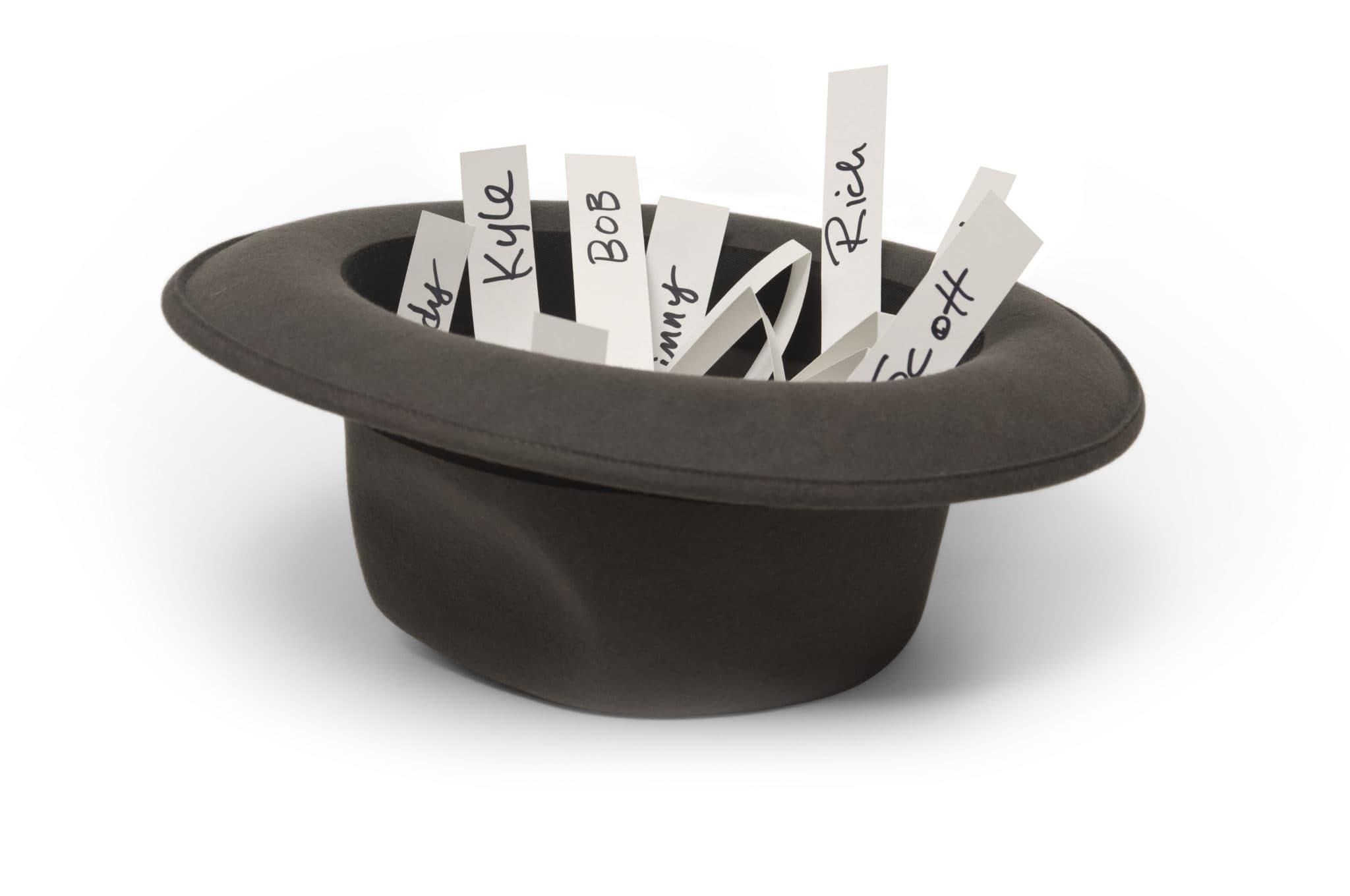
- The hat method — classic, works for small in-person groups, breaks with exclusions or remote participants
- The spreadsheet method — organizer assigns manually, but the organizer loses their anonymity
- Basic online name generators — random and free, but no exclusions, no notifications, no wishlists
- Gift exchange apps (Elfster) — handles exclusions, sends private notifications, collects wishlists, works for any group size
The Hat Method (Best for Small, In-Person Groups)
Write every participant's name on a slip of paper, fold them, drop them in a hat, and pass it around. Each person draws one slip — if they draw their own name, they put it back and draw again.
Works well for: 4–10 people who are all in the same room at the same time.
Breaks down when: someone can't be there, you need exclusions (couples who shouldn't draw each other), the group is larger than 12–15, or you want to collect wishlists afterward. Re-draws can also accidentally tip off who someone is buying for.
The Spreadsheet Method
The organizer writes all names in a spreadsheet, randomly assigns recipients, then privately emails each person their match. It works — but the organizer knows every assignment, which breaks their anonymity as a participant. They're also responsible for managing wishlists and reminders manually.
This is fine for small groups where the organizer doesn't mind being the one who "knows everything." It's not scalable and doesn't handle re-draws or late additions well.
Basic Online Name Generators
Simple online random name pickers draw names instantly and can email each participant their match. They're free and require no signup.
The limitation: most basic generators don't support exclusion rules (you can't say "don't pair Sarah and Mike"), don't collect wishlists, and don't send reminders. If someone needs to drop out and you need a re-draw, you start over from scratch.
Digital Gift Exchange Apps (Best for Any Group)
- Exclusion rules — set any pairs who shouldn't be matched (spouses, roommates, parent-child)
- Private notifications — each participant gets a private email with their match; the organizer never sees the assignments
- Wishlists — everyone adds what they want; givers can see their recipient's list
- Re-draws — if someone drops out, regenerate the draw without starting over
- Reminders — Elfster sends automatic reminders so you don't have to chase people
- Works remotely — participants don't need to be in the same room or even the same country
Handling Exclusions
Exclusions are rules that prevent certain pairs from being matched — most commonly couples (who already buy each other gifts), siblings, or boss-employee pairs in an office exchange.
In a physical hat draw, exclusions require multiple redraws and can still fail. In Elfster, you enter exclusion pairs once during setup and the algorithm guarantees they're respected every time — even in groups with many exclusion pairs.
The only limit: too many exclusions in a small group can make a valid assignment mathematically impossible. Elfster will flag this if it happens.
What Happens When Someone Drops Out?
If a participant drops out after names are drawn, two people are affected: one person has no recipient (their original match is gone) and one person has no giver (the drop-out was buying for them).
The cleanest fix is a re-draw in Elfster — it regenerates all assignments while preserving all exclusion rules. If gifts are already bought, manually pair the two affected participants: the person with no recipient becomes the giver for the person with no giver.
Frequently Asked Questions
How do you draw names for a Secret Santa?
The simplest way is to write everyone's name on a slip of paper, put them in a hat, and have each person draw one — making sure nobody draws their own name. For online groups or large gatherings, a free tool like Elfster handles the draw automatically and sends each person a private email with their match.
What do you do if someone draws their own name?
In a physical draw, they put the slip back and draw again. In a digital draw using Elfster, the algorithm guarantees this never happens — it handles all exclusions mathematically before assigning matches.
Can you draw names for Secret Santa online?
Yes — Elfster is designed specifically for this. Create a free exchange, enter everyone's email addresses, set any exclusion rules (like couples who shouldn't draw each other), and click Draw Names. Each participant gets a private email with their match.
How do you handle exclusions when drawing names?
Exclusions prevent certain pairs from being matched (spouses, siblings, close friends). In a physical draw, managing exclusions is complex and error-prone. Elfster handles this automatically — just enter exclusion pairs when setting up your exchange and the algorithm guarantees they're respected.
Is there a free app for drawing Secret Santa names?
Elfster is free for exchanges of any size. It handles the name draw, sends private email notifications to each participant, collects wishlists, and manages reminders — all at no cost.